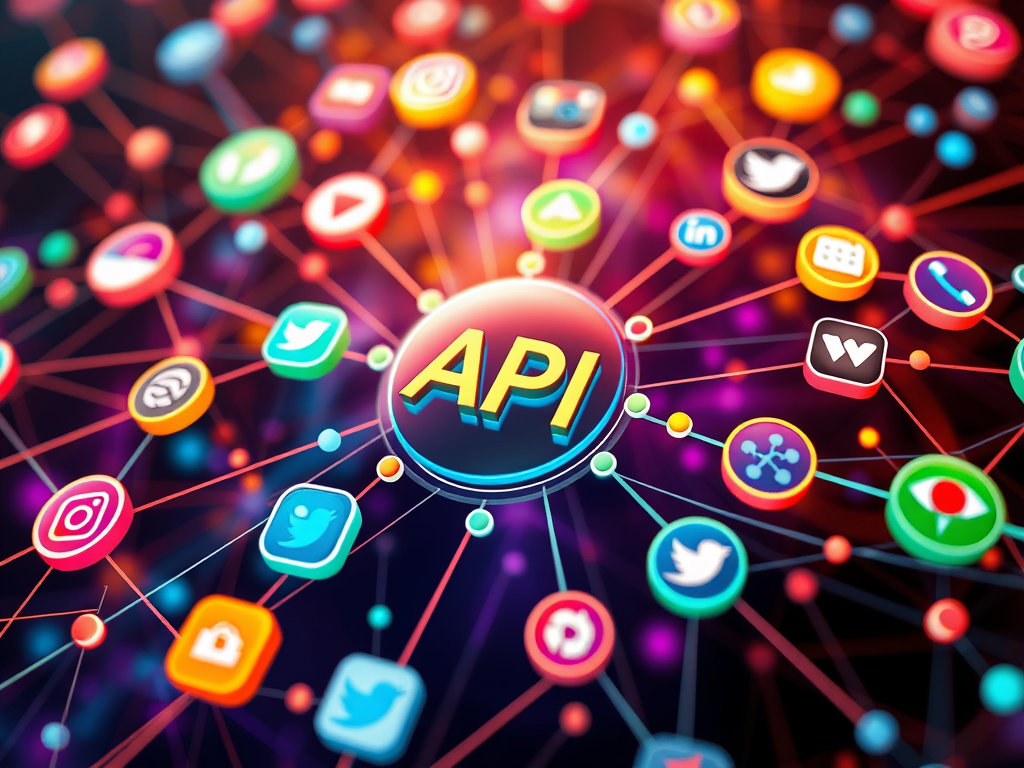
You ever wonder how Instagram magically knows which ads to serve you right after you mentioned “comfy hoodies” in a conversation with your friend? No, your phone isn’t psychic (yet). But your apps? They talk. Constantly. Behind your back. And API calls are basically the gossip hotline they use.
Let’s break this down like we’re catching up over coffee and code.
What’s an API, exactly?
Okay. So imagine you’re at a restaurant (because yes, food metaphors are superior). You’re the customer. The kitchen is where the magic (data) lives. But you don’t walk into the kitchen to get your food, right? You ask the waiter.
The API is the waiter.
An API (Application Programming Interface) is a middleman that lets different software systems talk to each other. It takes your order (request), sends it to the kitchen (server), and brings your food back (response); hopefully without messing it up. But instead of pasta, you’re getting JSON data.
According to IBM, APIs let developers access specific features or data without sharing the entire codebase or internals of a system.
So what does that look like in real life?
When you open a weather app, it’s not just magically pulling the temperature from the clouds. It’s hitting up a weather API in the background like:
“Yo, what’s the weather in Bloemfontein today?”
And the weather API replies with:
“High of 26°C, slight chance of emotional breakdowns at 3 PM.”
Okay, not that last part. But you get the idea.
Cool, but where do I use this as a developer?
If you’ve ever built a web app that needs to fetch data from a third-party service (say, pulling news headlines, YouTube videos, or even sending messages through Twilio), you’ve used or are going to use APIs.
In C#, it might look something like this:

That’s it. That little snippet? That’s your app being nosy and asking another app for tea.
REST, JSON, Tokens? The Squad You Didn’t Ask For
When working with APIs, you’ll run into a few common terms:
- REST: Like the social etiquette of APIs. RESTful APIs follow standard rules so everyone can get along.
- JSON: The language APIs love. Data comes back in neat, readable little packages like
{ "name": "Mo", "role": "Dev Girl" }. - Bearer Token: The VIP pass. Many APIs need you to include a token to prove you’re allowed to be in the club.
The Gotchas Nobody Tells You About
- Rate limits – APIs don’t like clingy apps. Hit them up too often and they’ll ghost you (temporarily).
- Errors – Sometimes you get a response like
404or500and you think, “Cool, now what?” Learn to read API documentation like it’s your side hustle. - Versioning – APIs change. You’re vibing with v1, then they release v2 and suddenly your whole app is confused.
When APIs Become Besties with Your App
Once you get APIs, you’ll see the possibilities everywhere. Want to pull Spotify songs into your app? There’s an API. Want to post memes on Twitter? API. Want to build your own chatbot that texts you when your crush posts on IG? There’s probably an API (and some questionable intentions).
The coolest part is once you understand how APIs work, you unlock the door to connecting things. Your app doesn’t have to do everything. It just needs to know who to talk to.
Final Thoughts from Your Dev Girl
Look, I didn’t always know what an API was. There was a time I thought it was some corporate acronym for “Advanced Programming Intelligence” (don’t judge me). But now? I see APIs like quiet superpowers, letting apps connect, collab, and create magic.
So next time someone says “API,” smile knowingly. You know it’s just apps being nosy in the best way.
Liked this post?
Stick around for more unfiltered tech thoughts, app-building diaries, and dev girl rants.
Get updates in your inbox, straight from me.


 Days in the Life of Mo
Leave a Reply