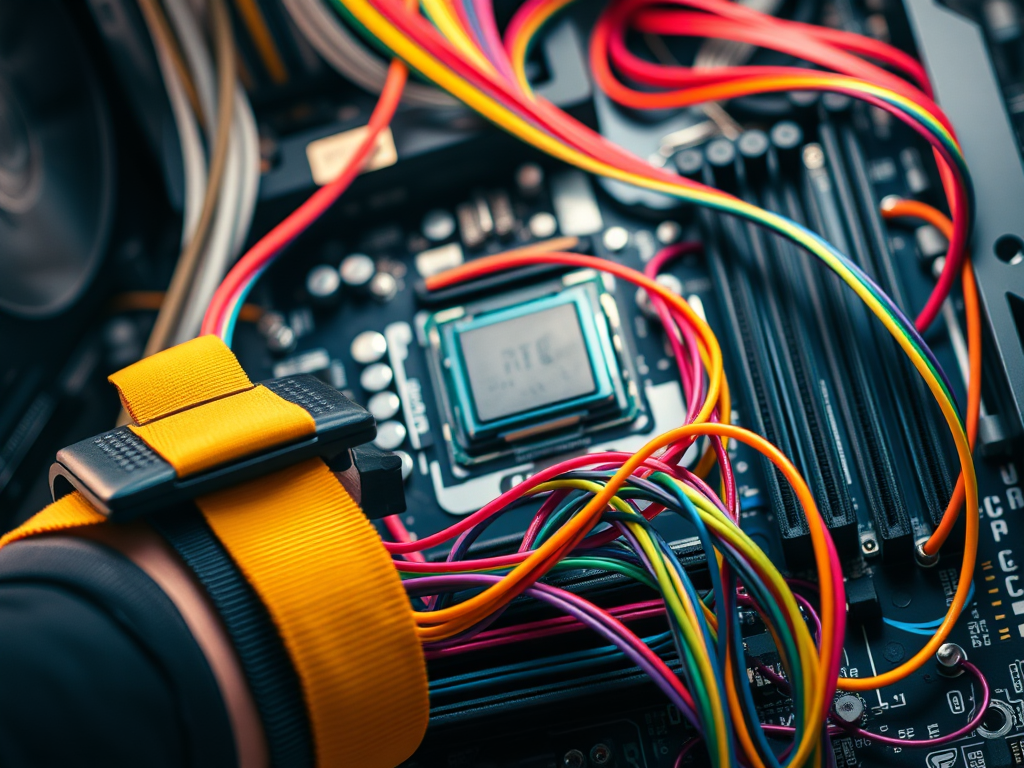
Let’s be real for a second: the first time you look at a pile of computer parts, you don’t see a “high-performance machine.” You see a $1,000 puzzle that looks like it wants to hurt you. You see tiny gold pins that look like they’ll bend if you even breathe on them too hard. You see a motherboard that looks like a futuristic city, and you’re the clumsy giant trying not to accidentally trigger an earthquake.
But here is the secret; the secret they don’t tell you in the dry technical manuals: You are not just a student. You are an architect. You are a creator. And today, we are going to talk about the ritual of bringing a machine to life.
The Armor of the Wise
Before we touch the “guts,” we have to talk about the invisible killer. No, not a virus. I’m talking about Electrostatic Discharge (ESD). You know that tiny spark you get when you touch a doorknob after walking on carpet? To you, it’s a nuisance. To a CPU, it’s a lightning bolt.
This is why we wear the anti-static wrist strap. It isn’t just a fashion statement; it’s our ground. It’s how we tell the universe, “Not today.” We respect the hardware because we respect the work. According to the Cisco IT Essentials standards, grounding yourself is the first act of a professional. If you don’t respect the static, the static won’t respect your wallet.
The Brain Surgery
We start the build outside the case. Why? Because trying to install a CPU inside a dark, cramped metal box is like trying to do surgery in a closet with a flashlight.
We take the motherboard, the nervous system, and we prepare it. We find that tiny gold triangle on the CPU and align it with the socket. There is a moment when you lower the lever, and you hear a tiny “crunch” or “click.” Every new tech’s heart stops for a beat there. Did I break it? No. That’s just the sound of the machine accepting its brain.
Then comes the Thermal Paste. Some people use a “pea” size; some use an “X.” Just remember: you’re trying to fill microscopic air gaps, not bake a cake. Too much, and you have a mess. Too little, and your CPU starts “throttling”; which is just tech-speak for “screaming in heat.”
The Spaghetti Incident
Once the motherboard is in the case (don’t forget the standoffs, or you’ll short-circuit the whole vibe!), we get to the part everyone hates: the cables.
I call this the “Spaghetti Phase.” You have the 24-pin ATX power cable (the thick one that feels like it doesn’t want to bend), the SATA cables for your SSDs, and those tiny, annoying front-panel connectors that require the fingers of a piano player to plug in.
But look at the beauty of it. Each cable has a purpose. One carries life (power), and the other carries thought (data). If the computer doesn’t turn on, 90% of the time, it’s because a “messenger” (a cable) isn’t seated correctly in its “home.”
The Moment of Truth
You’ve checked the screws. You’ve tucked the wires. You’ve snapped the RAM into place with that satisfying double-click. Now, you plug it into the wall, flip the PSU switch, and press the power button.
For a split second, there is silence.
Then, the fans spin. A single “beep” from the motherboard (the POST: Power-On Self-Test). The screen glows.
It lives.
You didn’t just follow a manual. You built a tool. You took a box of metal and silicon and made it think.


 Days in the Life of Mo
Leave a Reply